About the game
Hide & Seek Go And Find
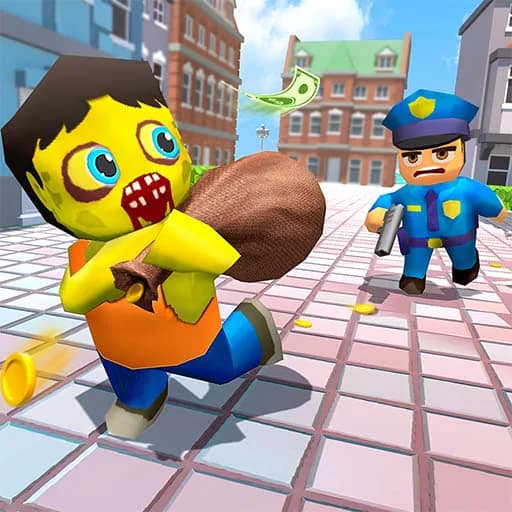
Hide & Seek Go And Find presents a family-themed take on hide-and-seek with several character roles. The supplied game details describe mother, father, child, police, and thief characters, each with a different objective.
Fathers look for their children, while mothers search as well. Children set out to find hidden chocolates. On the other side, police chase thieves, and thieves try to collect treasure without being caught. The game supports play with up to five characters and is described as playable offline.
Its listed controls include movement, camera switching, map access, pausing, and interaction with vehicles. There are also inputs for jumping, sprinting or nitro, drifting, weapon selection, aiming, and firing or punching.
What to expect
- Family, police, and thief roles with separate search or collection goals.
- Objectives involving children, chocolates, thieves, and treasure.
- Up to five characters in offline play.
- Keyboard and mouse controls for movement, vehicles, the camera, map, combat actions, and more.
Explore more Casual games or browse 3D games.