
About the game
+1 Speed Keyboard Lucky Escape
+1 Speed Keyboard Lucky Escape is a fast-paced collecting and escape game set on a giant keyboard. The objective is to launch Lucky Blocks, uncover Brainrots, and make it back toward the Safe Zone when the chase begins.
Launch, collect, and escape
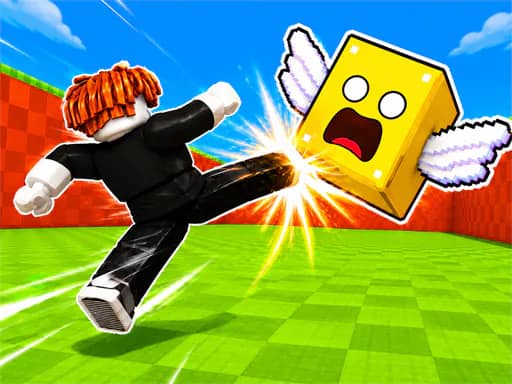
Use a bazooka to send Lucky Blocks as far as possible. Each launch can reveal Brainrots, with increasingly valuable finds available as you collect. There are 93 different Brainrots to discover.
The escape portion starts when Tung Tung Sahur chases the player back toward the Safe Zone. Speed matters during these runs, and +1 Speed pickups can be improved to increase their value.
Upgrades and rebirth
Progression includes upgrades for launch range and the value of +1 Speed pickups. A rebirth menu is also available through its assigned control. These systems support further collecting and longer Lucky Block launches.
The game supports both solo and local two-player keyboard inputs. Mobile gameplay is available in 1 Player mode.
Players looking for similar browser games can browse the .io category, Brainrots games, or 2 Player games.
What to expect
- Lucky Block launches using a bazooka
- 93 Brainrots to collect
- A chase back to the Safe Zone by Tung Tung Sahur
- Launch-range and +1 Speed value upgrades
- One-player, two-player, and mobile 1 Player availability