About the game
Build a world of your own
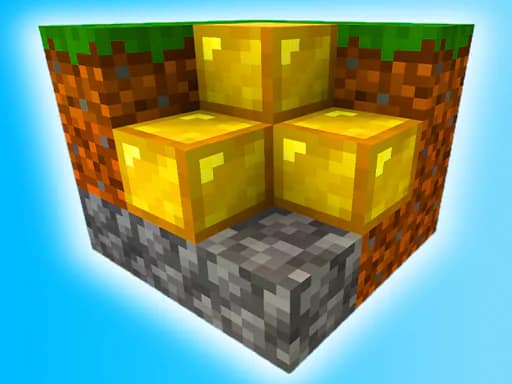
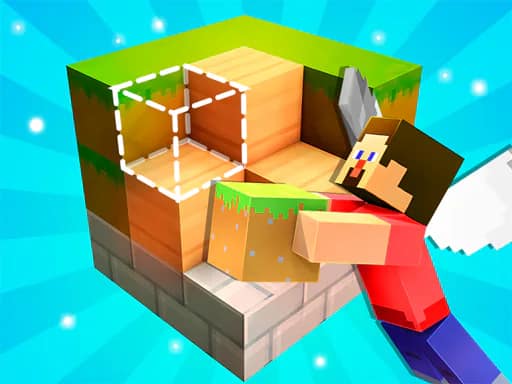
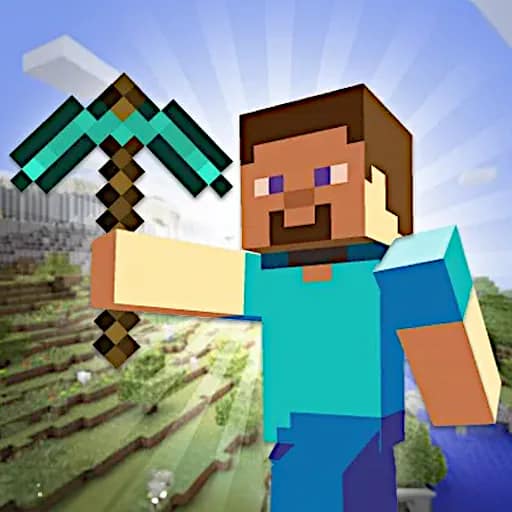
Square World 3D is an open-ended crafting simulation where you shape the environment however you choose. Use the available items and mines to construct designs and make changes across a large world.
There is no single required design to follow. You can create a different world each time, arranging blocks and other elements to match your ideas. Once you have built something, switch to flying mode to travel above it and view your work from the air.
Creating and changing blocks
Open the blocks panel to access building options, then move through its rows and choose a numbered block. You can hit blocks, rotate them, place bricks, or create blocks using the listed inputs. These tools let you alter the world as you build.
The game also includes actions for interacting and throwing, along with a run command for moving around the world more quickly. Visit the Sandbox and Crafting tags for more games focused on building and creating.
What to expect
- A large open craft world
- Blocks, items, and mines for creating designs
- Flying mode for viewing your constructions from above
- Block selection, rotation, placement, and creation controls
- Keyboard and mouse controls for movement and world actions