About the game
Build a world your way
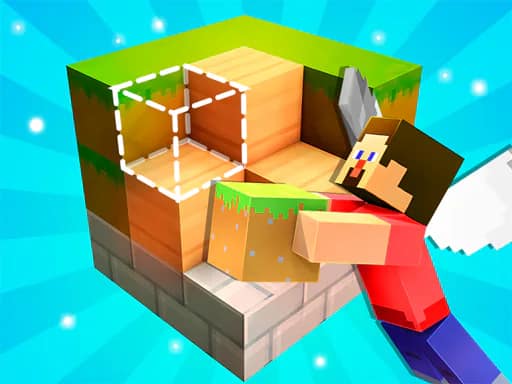
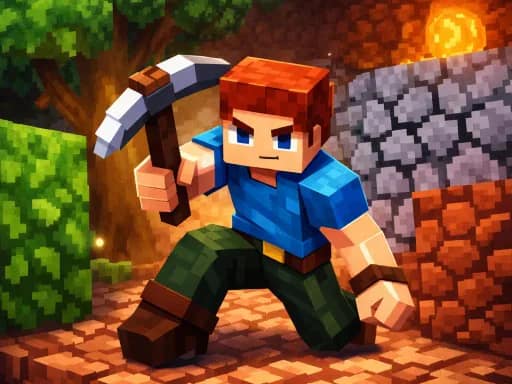
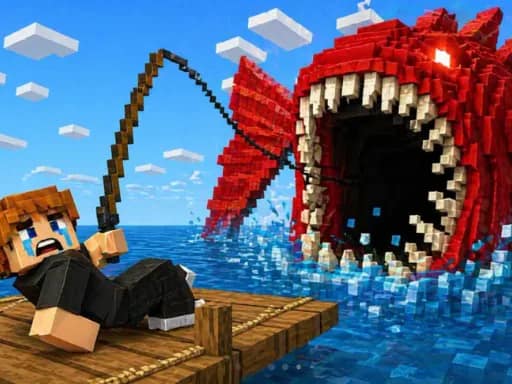
Block Craft 2 continues the building adventure with additional skins, inventories, and tools. Set out across wide areas, shape the surroundings, and work toward creating a kingdom that reflects your own ideas.
This Simulation game centers on placing, changing, and interacting with blocks. Choose from the available block slots, open the block list when needed, and use your tools and items while travelling through the world. Building mode and fly mode provide further ways to work around your creations.
Explore and create
Move through the landscape on foot, run, crouch, or travel vertically with the up and down controls. The game also includes actions for rotating blocks, placing bricks, using a torch, throwing, and summoning a deer.
Use the inventory and customization additions to make each world more distinct. Whether you focus on a small project or expand into an entire kingdom, Block Craft 2 leaves the construction choices open to you.
What to expect
- A block-based building and modification game
- Skins, inventories, tools, and items
- Exploration across large areas
- Block selection, placement, rotation, and interaction
- Fly mode, build mode, movement, running, and crouching
Browse more block games or sandbox games.