CabaGames
Kick Lucky Boxes Online
Developer
CursoraLabs
Rating
Not rated
0 votes (based on last 6 months)
Released
Aug 10, 2026
Game engine
HTML5
Platforms
Desktop browsers
Orientation
Landscape

Kick Lucky Boxes Online

Kick lucky boxes through hazardous arenas, collect Brainrots, and upgrade before the tsunami arrives.

About the game

Kick Lucky Boxes Online

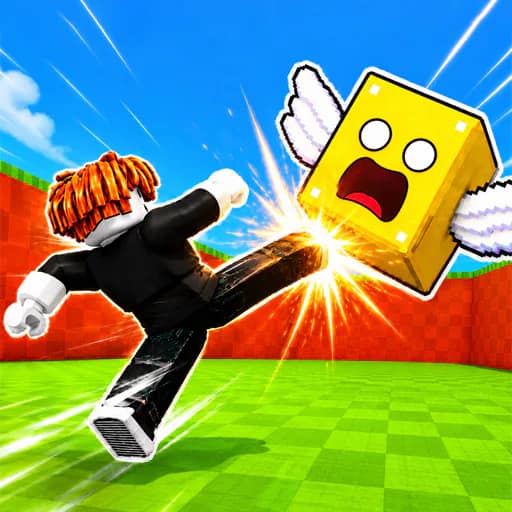
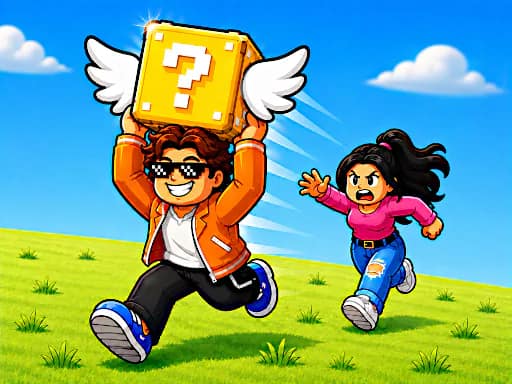
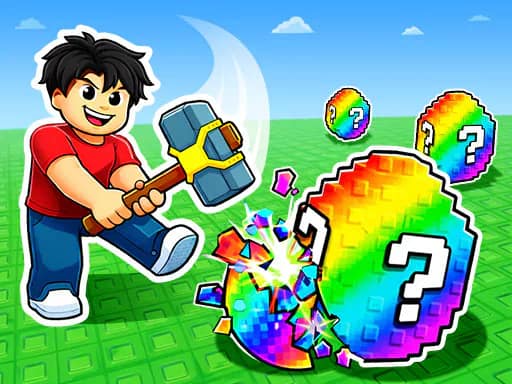
Kick Lucky Boxes Online is a progression game set in dangerous arenas. Launch lucky blocks across the map to uncover Brainrots and other rewards, then make it back safely before a tsunami floods the area.

Your main aim is to keep improving your ability to reach and collect what the boxes reveal. Increase your kick power to send blocks farther, upgrade your speed to move around the arena more effectively, and use rebirth progression to continue building your progress.

Collect and Progress

The game includes more than 75 collectible Brainrots divided into 14 rarity classes. Finding new collectibles is a central part of each run, alongside gathering rewards from the lucky boxes.

You can also customize your character while working through the game’s upgrade and rebirth systems.

Play Solo or Locally

Kick Lucky Boxes Online supports online solo play, including chat and room invites. It also offers local two-player gameplay, with separate keyboard controls for each player.

Whether playing alone or sharing a keyboard, the challenge is the same: kick boxes, collect discoveries, improve your stats, and avoid being caught when the arena floods.
Explore more 1 Player, 2 Player, Arena, and Collect games.

Controls & objective

How to play

  • WASD β€” Move in 1 Player Mode or control Player 1 in 2 Player Mode.
  • E β€” Interact and hit/kick in 1 Player Mode; interact/kick and update for Player 1 in 2 Player Mode.
  • SPACE β€” Jump in 1 Player Mode or for Player 1 in 2 Player Mode.
  • LEFT-CLICK β€” Hit/kick in 1 Player Mode.
  • F β€” Update in 1 Player Mode.
  • MOUSE / RIGHT-CLICK β€” Control the camera in 1 Player Mode.
  • R β€” Open the bag in 1 Player Mode or for Player 1 in 2 Player Mode.
  • T β€” Open the shop in 1 Player Mode or for Player 1 in 2 Player Mode.
  • Y β€” Rebirth in 1 Player Mode or for Player 1 in 2 Player Mode.
  • C β€” Open chat in 1 Player Mode.
  • ARROW KEYS β€” Move Player 2 in 2 Player Mode.
  • J β€” Interact/kick as Player 2.
  • L β€” Jump as Player 2.
  • K β€” Update as Player 2.
  • U β€” Open the bag as Player 2.
  • I β€” Open the shop as Player 2.
  • O β€” Rebirth as Player 2.