About the game
Float for Brainrots
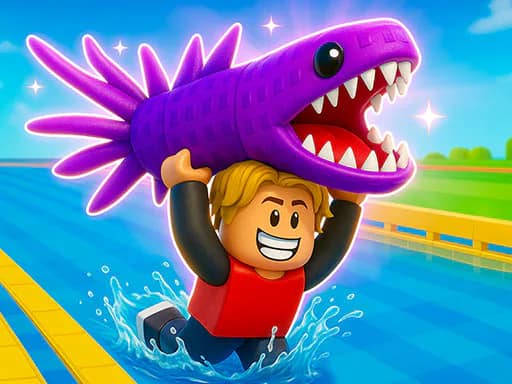
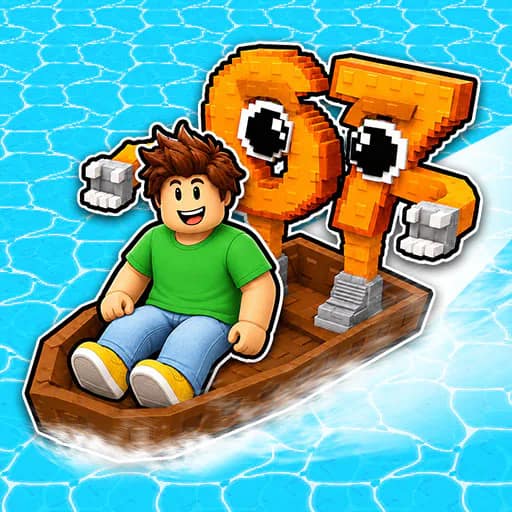
Float for Brainrots is a casual water adventure focused on collecting Brainrots from the sea and bringing them back to base. Begin on a basic raft, travel across dangerous waters, and build up a larger collection as you explore.
Collect and return
Search the water for Brainrots, then return your finds to base to earn rewards. Those rewards can be used to improve your boat, including its speed and carrying capacity. Better boats help you travel farther into deeper waters, where stronger rewards can be found.
The central challenge is balancing exploration with survival. Keep an eye on the timer, as staying out too long can be risky. Sharks are another hazard, so reach islands in time to stay safe while moving through the sea.
Play alone or with another player
The game supports solo play as well as a two-player mode. Each player has separate movement and action keys, allowing both players to collect Brainrots, interact with the world, and manage upgrades.
Use the rebirth control when needed, continue improving your vessel, and try to extend your collection across increasingly distant waters.
What to expect
- Sea exploration from a raft or upgraded boat
- Brainrots to collect and return to base
- Boat speed and capacity upgrades
- A timer, sharks, and islands for survival
- Solo and two-player play
Browse more Casual games, Boat games, or 2 Player games.