
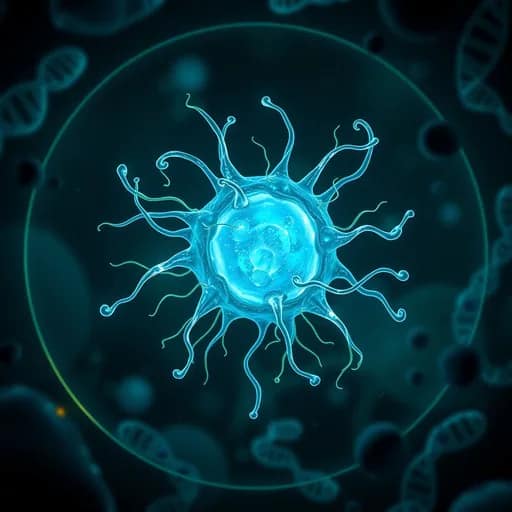
About the game
Bacteria: Life & Death
Bacteria: Life & Death is a calm simulation game about caring for a colony of microbes in a petri dish. Your aim is to keep the population alive as conditions change from stage to stage.
Move the food source around the dish so the bacteria can feed, then monitor the population meter and alter the environment when needed. Heat, cold, and toxins can affect the colony, so finding a stable balance is central to its survival.
Survive changing stages
Each stage adds a different challenge. The colony may face viruses, mutations, temperature changes, or chemical spills. Power-ups can be activated by clicking or tapping them, while the controls at the bottom of the screen let you switch heat, cold, and toxin effects on or off.
There is no timer, allowing time to observe how the microbes react and make adjustments. A colony can also be harmed by a lack of food, freezing conditions, or too many toxins.
What to expect
- A single-colony simulation focused on survival and growth
- Food placement controlled with a mouse or finger
- Clickable or tappable power-ups
- Heat, cold, and toxin settings
- Stages featuring viruses, mutations, temperature swings, and chemical spills
- No time limit
How conditions affect the colony
Keep an eye on the population meter as you move food and change environmental settings. The goal is not simply to grow the colony, but to respond to each new hazard without pushing the conditions too far in the wrong direction.