
About the game
Geometry Dash Editor
Geometry Dash Editor combines built-in obstacle levels with tools for creating your own. The objective in playable levels is to reach the finish line while avoiding hazards. For custom stages, you can arrange obstacles and movement-changing elements to shape a route of your own design.
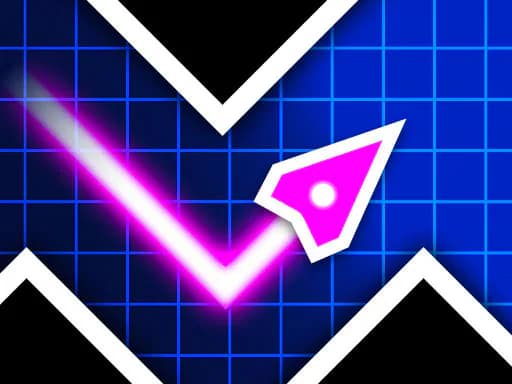
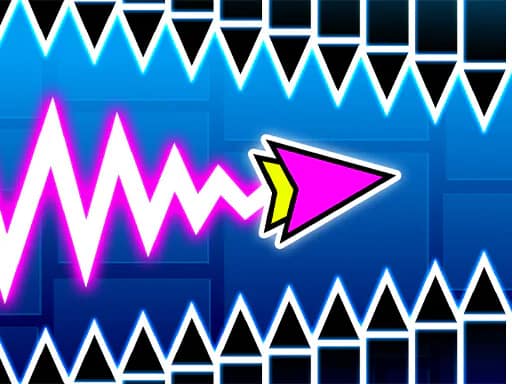
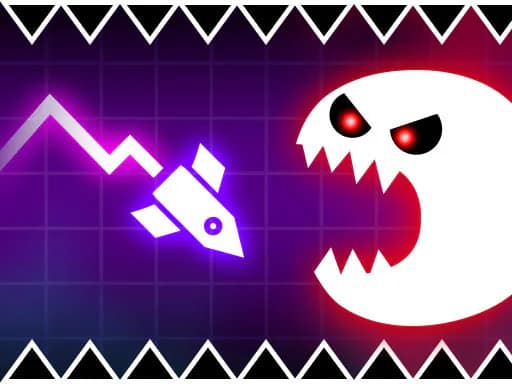
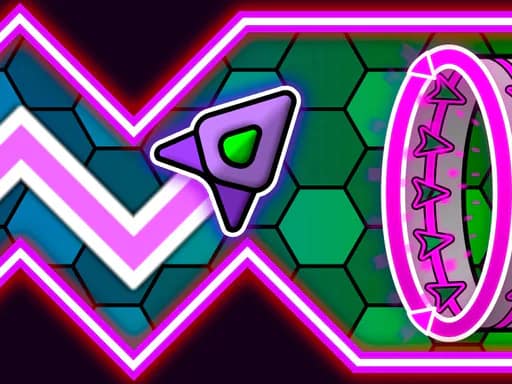
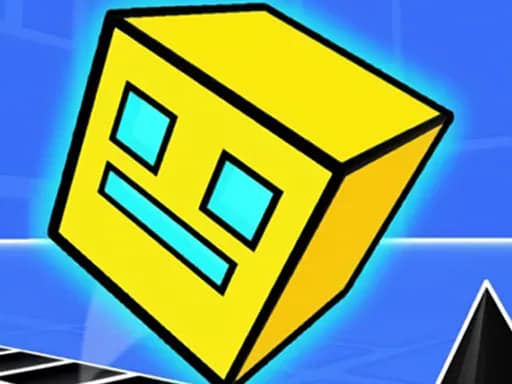
Choose from six character forms: cube, ship, ball, UFO, wave, and spider. Each character can use a selected skin and custom color. You can also set the starting character, speed, and gravity for a level before players begin.
Build a level
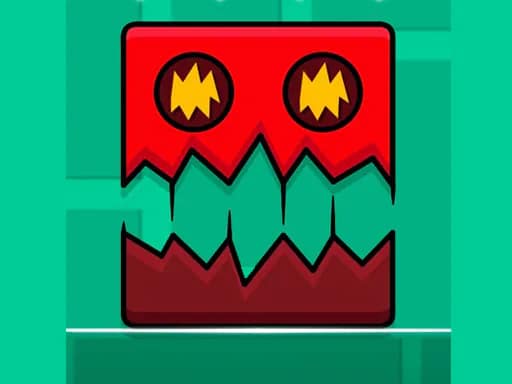
Place blocks, spikes, and sawblades to create the course. Portals can switch the character form or alter gravity, while platforms can change speed. Jump pads and jump orbs add further options for designing movement and timing challenges.
Level presentation can be adjusted as well. Customize the background, music, and level length to give each creation its own setup. Experiment with different combinations of obstacles, portals, and jump elements, then share your finished level with friends.
What to expect
- A level editor with blocks, spikes, sawblades, portals, platforms, jump pads, and jump orbs
- Six playable character forms with skin and color customization
- Settings for starting character, speed, gravity, background, music, and level length
- Built-in levels focused on reaching the finish while avoiding obstacles
- Mouse or screen input for character actions, including hold actions in ship and wave modes
Browse more Arcade games or explore platform games and skill games.