About the game
Create a look in Fashion Makeover Show 3D
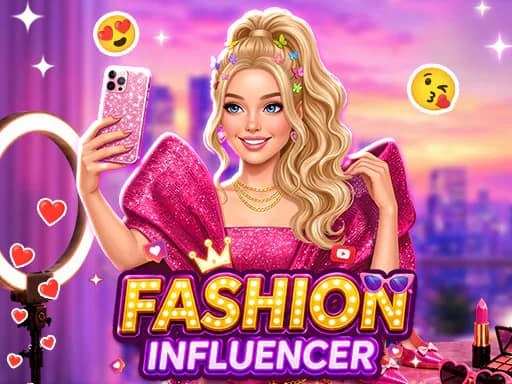
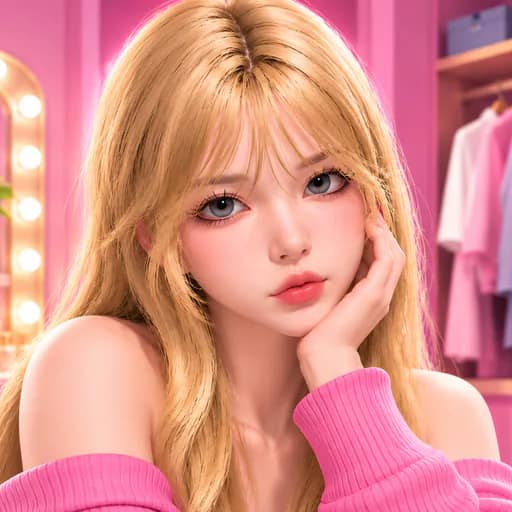
Fashion Makeover Show 3D is a 3D character-customization game centered on building outfits and trying different style combinations. Visit the dressing room, choose items for your character, and combine clothing, hairstyles, makeup, footwear, bags, and accessories.
The available wardrobe supports a range of looks, from casual streetwear and school-inspired outfits to evening gowns and party styles. Change hair colors, experiment with color palettes, and swap individual pieces to shape an outfit for a chosen occasion.
Explore the dressing room
Move around the modern dressing room to access wardrobes, mirrors, and customization menus. The game includes hundreds of fashion items, giving you many options for mixing and matching. Detailed 3D visuals and animations present the customized character from different angles.
Players looking for more styling games can browse the Dress Up, Fashion, and Makeup tags, or see additional titles in the Girls category.
What to expect
- 3D character customization
- Outfits, hairstyles, hair colors, makeup, shoes, bags, and accessories
- Wardrobes, mirrors, and customization menus to interact with
- Movement with an on-screen joystick on mobile or keyboard keys on PC
Build your style
Try different item combinations and adjust your character’s appearance until the look fits your idea. Whether assembling a casual outfit or a more formal ensemble, Fashion Makeover Show 3D focuses on styling and self-expression through its dressing-room options.