About the game
Demolition Derpy
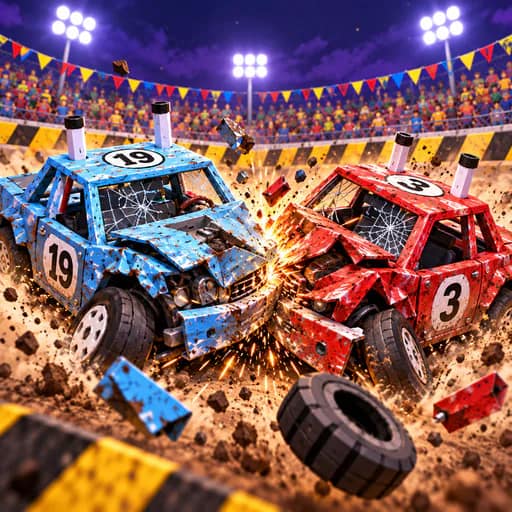
Demolition Derpy is a 3D demolition derby game built around vehicle-to-vehicle collisions. Drive into rival cars, deal heavy impacts, and keep your own vehicle in the fight until only one car remains.
Matches take place across three arenas: Derpy Dome, Rusty’s Scrapyard, and The Drop Zone. The Drop Zone adds a falling-anvil hazard, so positioning matters alongside ramming opponents. Browse more Racing games or explore car games.
Survive the derby
The objective is to be the last car standing. Steer around the arena, use the handbrake to drift, and activate boost when needed. You can also flip your car back over if a collision leaves it upside down.
After each match, collect coins and use them in the garage. There are 17 unlockable vehicles, including the Derp Mobile, a fire engine, and a hypercar with thrusters. Vehicles can be customized with paint, stickers, hats, horns, tire smoke, and boost flames.
Optional reward videos are available after a match to double earned coins or unlock any car.
What to expect
- 3D demolition derby matches against rival cars
- Three arenas, including one with falling anvils
- Coins for unlocking 17 cars and garage customization
- Keyboard controls on desktop and on-screen controls on mobile
- Available in 20 languages
For more games focused on impacts and destruction, see the Destroy tag.