About the game
Build and manage a growing store
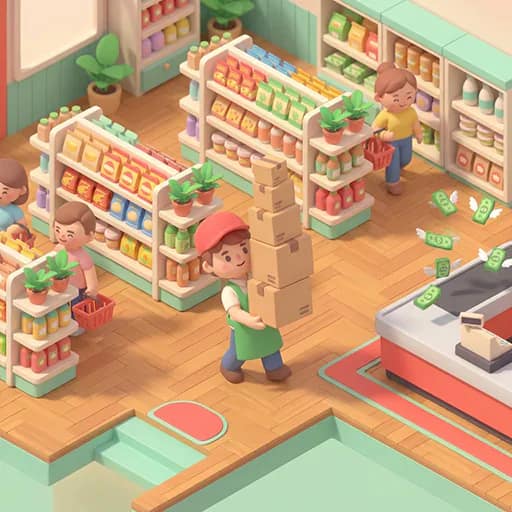
3D Supermarket Tycoon is a Simulation game about running a supermarket and expanding it over time. Begin with a small market, keep its shelves supplied, and collect money from the checkout. Earnings can be used to open up more of the store and develop it into a supermarket and then a hypermarket.
Keep the shelves stocked
Boxes are collected from the stockroom and carried to shelves that need restocking. Customers use the checkout, where cash can be collected to support further growth. Balancing these regular tasks helps keep the store operating while new areas and improvements become available.
Floor price tags provide spots for unlocking additional shelves and hiring staff. Cashiers and stock clerks can take on store duties as the business grows. Upgrades also cover the store, prices, speed, and customer traffic.
What to expect
- A 3D business and tycoon management setting
- Shelf restocking with boxes from the stockroom
- Cash collection at the checkout
- Unlockable shelves and staff hires
- Store, price, speed, and customer-traffic upgrades
- Keyboard movement on desktop and tap-and-drag movement on mobile
How progress works
Expand through the store by standing on floor price tags to access new shelves or recruit employees. Use the upgrade menu to improve different parts of the operation, then continue restocking and collecting checkout cash to fund the next stage of the store's development.